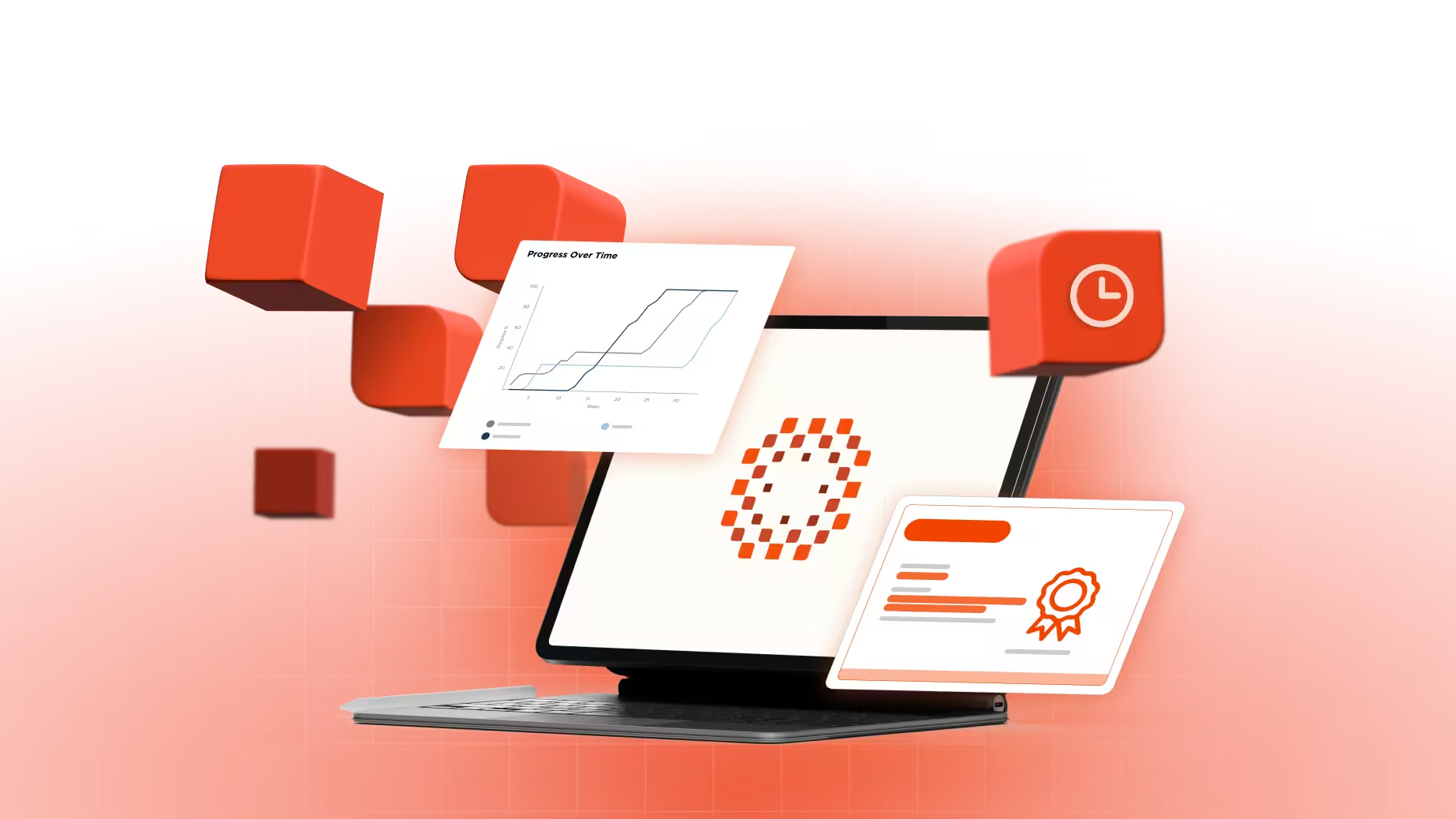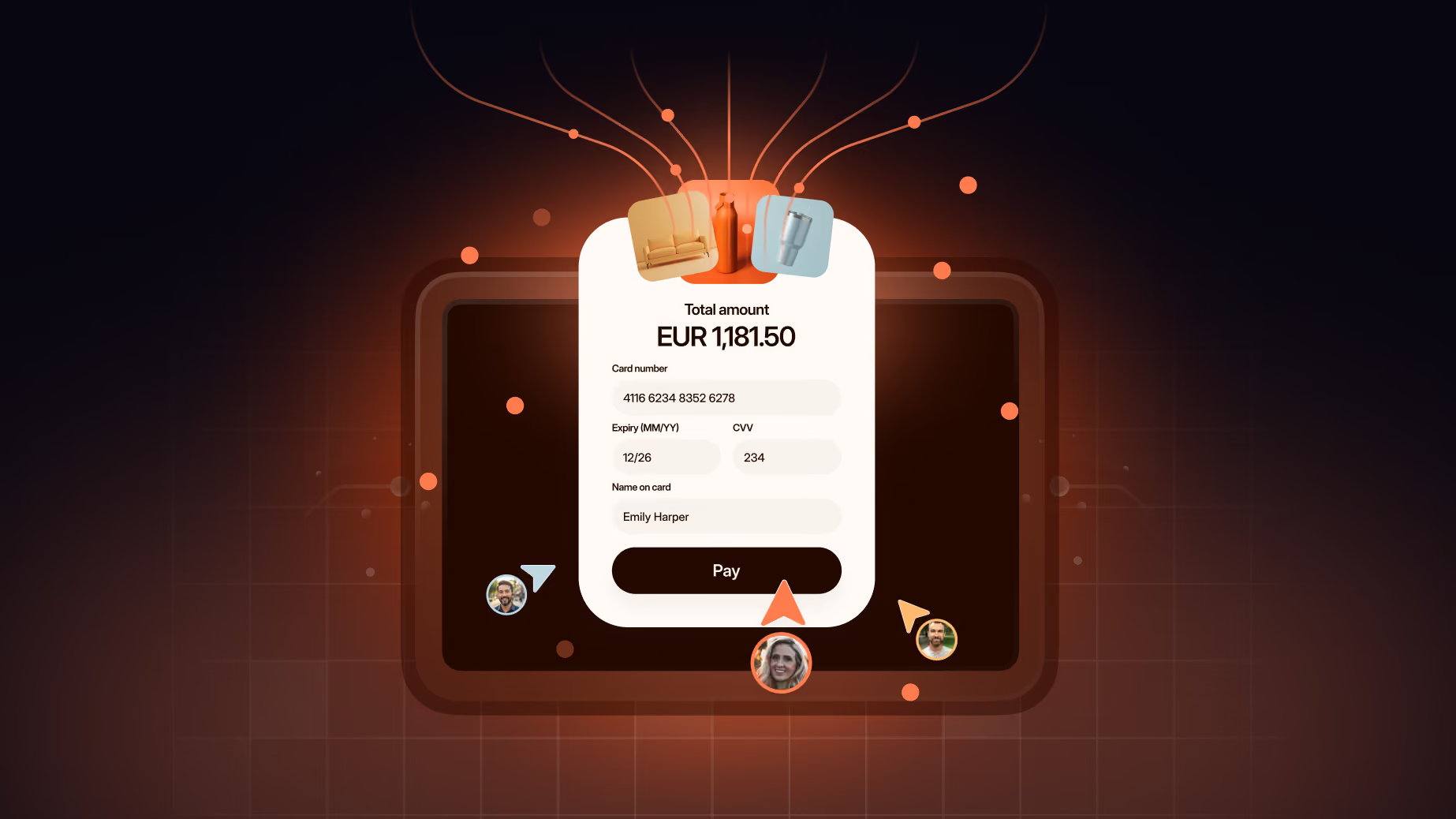
Visualize complex systems with 3D animation

Trusted by industry leaders
Selected
3d animation projects
Trusted by teams
building complex products
109
80%
200+


3D animation is now
more accessible than ever
A complete
3D animation production
Free sample
Script
Storyboard
Storyboard revision
Animation
Video revision
Delivery
Finding the right
3D animation company

Choose how you want
to work with us
You have a defined brief
One off or occasional need
Want upfront cost clarity
- You need output every month
- Want a dedicated team
- Predictable monthly budget
- Campaign bursts, not every month
- Want a team on standby
- Large budget, flexible timing
Got questions?
We've got answers
We want to make sure you feel confident that our service is right for you. Here we’ve looked to address some commonly asked questions. If you have any more specific questions, don’t hesitate to get in touch with a member of the team.

Does my product need 3D animation, or will 2D work?
You need 3D if your product is physical, like hardware, a device or a payment card, and people need to see its shape, materials or what's inside. If you sell software, 2D usually works better, with 3D only in the few scenes where depth helps.
A simple way to decide is to think about what the viewer needs. 2D animation is better when they need to understand how something works. 3D is better when they need to see the real thing and want it. Most of what we make mixes both, like a 2D video with 30 seconds of 3D where the hardware appears. You get depth where it matters, and the rest stays quick to update and recut.
What can 3D animation show that filming or photography can't?
3D can rotate your product, cut it open and show the parts inside, all without a studio shoot. It can also show a product that doesn't exist yet, like one still in development.
A photo gives you one angle. With a 3D model, the camera can move anywhere, the product can split into its parts, and you can zoom into details no camera could reach. Once the model is built, you can reuse it for more videos, ads and product pages.
Can you use 3D animation to explain a software or AI product?
Yes, usually for a few key scenes instead of the whole video. 3D works well for ideas that are hard to show flat, like data moving through a system, cloud infrastructure, or how an AI model processes information.
The interface itself is best shown in 2D, because screens are flat and 2D keeps them sharp and easy to update. So a typical SaaS or AI video is built in 2D, with 3D brought in for the abstract parts that need depth. That also keeps the cost down, because you only pay for 3D where it adds something.
What do you need from us to start a 3D product animation?
If you have CAD or engineering files, send those first, because they save the most time. If you don't, product photos, packaging artwork or a physical sample are enough for us to build the model.
With a CAD file, the product is already built and accurate, so the work becomes materials, lighting and camera instead of modeling from scratch. That takes a noticeable amount of time out of a project. We'll also ask what the video is for and where it will play, and a short call is usually enough to agree on that.
Where can you find professional services for realistic product animation?
Professional services for realistic product animation come from specialist CGI studios and from motion design studios with a 3D team. When you compare them, look at how real the surfaces, reflections and weight look in their product work.
Realism comes from materials, lighting and the way light falls on a surface. How realistic your video should be depends on where it plays. A product page or a screen at a trade show usually needs high realism, because people are judging the product itself. For explainer-style videos, a cleaner, stylized look often works better, because it keeps the focus on the message and costs less to render.
What are the top companies offering 3D product animation services in the US?
The top companies offering 3D product animation services in the US fall into four groups, which are specialist CGI studios, motion design studios, full-service production companies and freelancers. The right one depends on how much of your video actually needs to be 3D.
Specialist CGI studios go deepest and cost the most, and they're the right choice when the whole video is rendered. Motion design studios like us build 3D as part of a wider video, which is how most projects need it, and we work mostly with US clients daily. Full-service production companies include 3D in bigger campaigns, and freelancers suit single assets.
How do you choose a 3D product animation studio for e-commerce?
To choose a 3D product animation studio for e-commerce, start with your product, then ask each studio how much of the video will actually be 3D and whether they've animated products like yours. A good studio will also tell you when you don't need 3D at all.
For e-commerce, check that the renders can be reused on product pages, in ads and on marketplaces, not only in the video. Look for product work in the portfolio, not a general showreel of characters and environments. And ask how the studio handles updates, since products change and the model should be reusable.
Where can you find freelance 3D product animators for hire?
Behance and ArtStation are the best places to find freelance 3D product animators, because you see finished renders instead of a profile summary. Upwork and Contra are where most of the hiring happens.
A freelancer works well for a single product render with a flexible deadline. A studio is the better choice when you need a series that looks like one brand, a deadline that can't move, or a video that also needs animation, sound and compositing. Whoever you hire, check that the portfolio shows products, not only characters or environments, because product work is a specific skill.
How much does 3D product animation cost?
The cost of 3D product animation depends mostly on how much of the video is 3D and how detailed the model needs to be. A video with a few 3D scenes costs far less than one that is fully rendered.
3D used to be slow and expensive, and that's changing. Workflows are faster and costs are coming down, so if you were quoted for 3D a few years ago and put it aside, it's worth asking again. A CAD file lowers the cost further, because the model doesn't have to be built from scratch.
Our videos start at $3,480 for 30 seconds, and 3D is scoped on top of that for the scenes that need it. Tell us what you're working with, and we'll suggest where 3D is worth it and where 2D will do the job. You can see our packages on the pricing page.
How long does 3D product animation take?
3D takes longer than 2D, because the model has to be built, textured and rendered before the video is finished. How much longer depends on how much of the video is 3D and whether you have CAD files.
Our standard delivery for 2D is 10 business days. A few 3D scenes add time mainly at the modeling and rendering stages, and a ready CAD file removes most of the modeling time. If you have a launch date, tell us at the start and we'll plan the 3D scenes around it.
What are the best platforms for creating 3D product animation?
Blender and Cinema 4D are the most common platforms for 3D product animation, and both handle modeling, texturing, lighting and rendering in one place. Houdini is used for simulations, like liquid pouring or objects breaking apart.
Blender is free and has become the default for many studios. Cinema 4D is popular in motion design because it moves cleanly between 3D work and compositing. Maya and 3ds Max are still used in older setups. Render engines like Cycles, Redshift and Octane decide how long each frame takes and how it finally looks. The finished renders go into After Effects, where titles, typography and branding are added.
What 3D modeling software is suitable for product visualization?
Blender and Cinema 4D are the most suitable 3D modeling software for product visualization, because both model, texture, light and render in one place. That means the product doesn't have to be rebuilt at each stage.
If your product already exists as a CAD file, most of the hard work is done. The model is already built and accurate, so the job becomes materials, lighting and camera instead of modeling from scratch. Before you choose software, check what you already have, like engineering files, product photos, packaging artwork or a physical sample. What exists on your side changes the time and cost more than the choice of tool.
Can I see a sample before I commit?
Yes. After a short call, we'll create a free sample based on the messaging on your website, and you never pay for it.
You don't need a brief to ask for one. The sample shows our style and quality on your product, and if it fits, you can come back with a fuller brief for the full video.